☁ Web SCADA · Modbus TCP/IP

Your plant, live in your browser.

FreeSCADA is a cloud-based SCADA/HMI for Modbus TCP/IP PLCs and devices. Build screens, watch live values update in real time — from any computer, tablet or phone.

No SCADA licences · no browser plug-ins · works with any Modbus TCP/IP device.

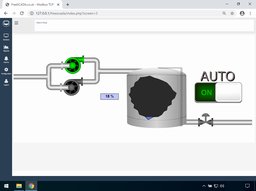
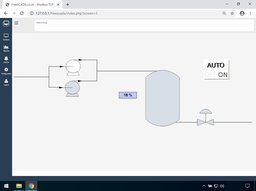
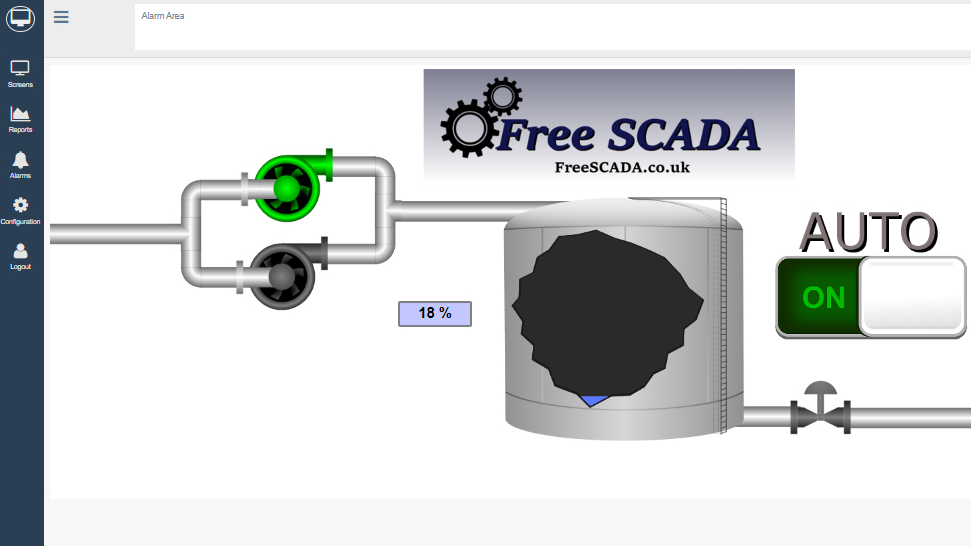
FreeSCADA live HMI screen
Why FreeSCADA

Everything you need to monitor your process

A complete web HMI that lives in the cloud — set it up once and reach your plant from anywhere.

🌐

Web-based HMI

Nothing to install to view your plant. Open a browser, log in and your screens are there — desktop or mobile.

🔌

Any Modbus TCP/IP device

Connect to PLCs and devices that speak Modbus TCP/IP. Read holding registers, monitor status.

🎨

Custom screens & assets

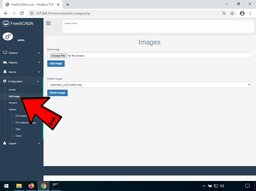
Upload your own backgrounds and symbols, then place numeric displays, buttons and animated graphics tied to your tags.

Real-time monitor & control

Values refresh live on screen.

👥

Users, roles & permissions

Invite your team and control who can view, and configure with per-user permission levels.

🏭

Your own workspace

Every account gets a private workspace identified by a unique Client ID that links your devices to your screens.
Getting started

From PLC to browser in four steps

Setup is quick — create an account, connect your PLC with our connector app, then build your screens.

1

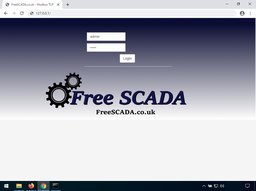
Create your account

Sign up in seconds. You receive a unique Client ID for your private workspace.

2

Install the connector

Run the FreeSCADA connector app on a PC or gateway on your network and point it at your PLC.

3

Build your screens

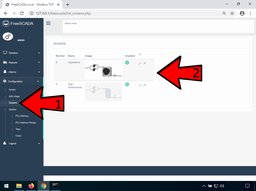
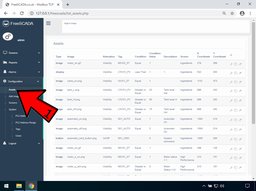
Add tags, upload images and place displays, buttons and animated symbols on your screens.

4

Monitor

Open your browser to see live values.

🖥 Step 2 · The connector app

The bridge between your PLC and the cloud

FreeSCADA talks to your equipment through a small connector application you install on a Windows PC or gateway inside your own network — right next to the PLC. It reads your Modbus device and keeps your cloud workspace up to date.

  • Install the connector on your OT network
  • Enter your Client ID to link it to your workspace
  • Enter your PLC connection details — IP address, port and poll rate
  • Start it once and it keeps your tags flowing both ways

📥 Download the connector from the main menu once you're signed in to your workspace.

What's inside

Available now, and coming next

✅ Available today

  • Web interface, accessible anywhere
  • User administration and permissions
  • Custom screens, images and animated assets
  • Live monitoring of Modbus tags
  • Fast, guided setup

🚀 On the roadmap

  • Alarms and notifications
  • Level / bargraph display asset
  • Historical trends and reports
  • Siemens S7-200, 300 & 400 communication
Screenshots

See FreeSCADA in action

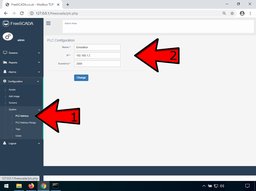
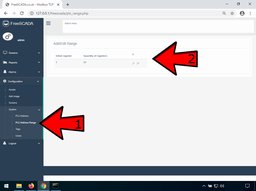
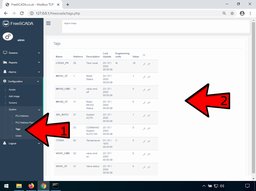
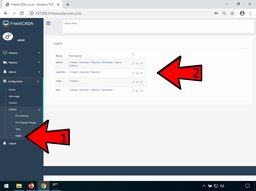
A look at the configuration workflow and finished operator screens.

Ready to bring your plant online?

Create your free workspace, connect your first PLC and build your first screen today.

Get started free →
Get in touch

Questions? We'd love to help

▶ Watch & learn

FreeSCADA on YouTube